Slate: Calculator
Eight calculators. One slate.
Sums, percent, dates, tips, units, loans, GST and exchange, on one keypad that clicks like it means it.
- No ads
- No accounts
- No subscriptions

Try the keys
50 + 10% =
55
Slate's basic keys, working. Percent works the desk way: 50 + 10% is 55. Type on your keyboard too; arrow keys move around the pad.
At a glance
What Slate is for
The everyday jobs that usually end up in a browser tab, or a guess.
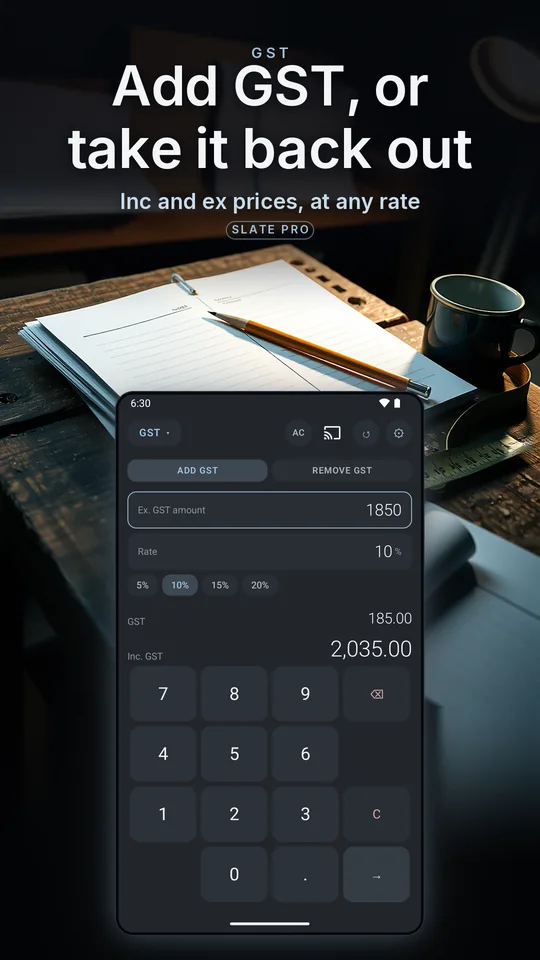
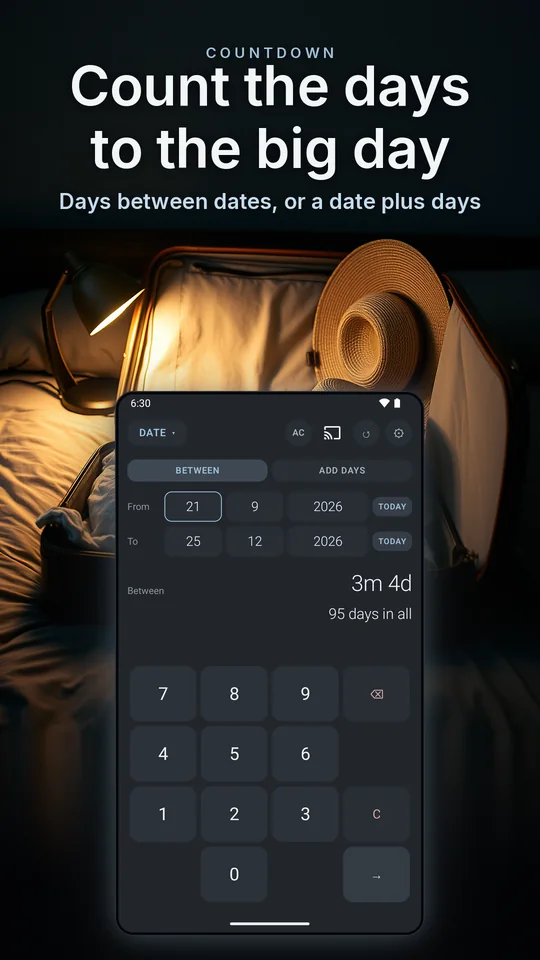
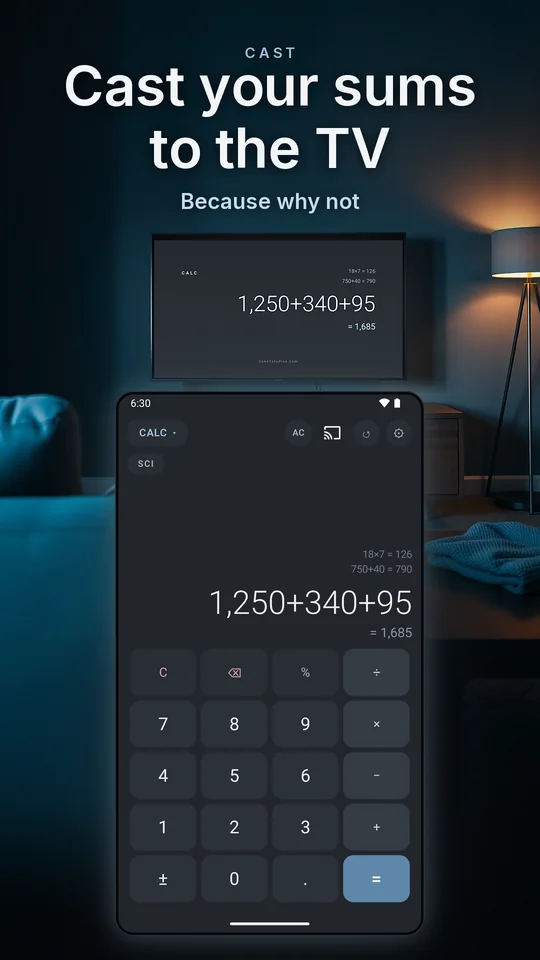
Backgrounds are illustrations; the phone screens are the real app.
The tools
Eight tools, one keypad
Calculator, Percent and Date are free, and complete. The other five come with Slate Pro.
-
Calculator Free
Basic for everyday sums, and one tap opens the scientific keys: trig and inverses, logs, roots, powers, factorials, π and e. The tape above the display remembers recent results.
-
Percent Free
Discounts, markups, and "what percent of what" sums.
-
Date Free
Days between dates, add or subtract days, work out an age.
-
Tip Pro
Split the bill fairly, down to the cent.
-
Units Pro
Length, weight, volume, temperature and more.
-
Loan Pro
Repayments and total interest at a glance.
-
GST Pro
Add it to a quote or pull it out of a total, at any rate.
-
Exchange Pro
Convert currencies on European Central Bank reference rates, and keep the last table on the phone.
Every tool runs on the same skinned keypad, and the system keyboard never appears.
History
Every sum remembered
Slate keeps the calculations you finish, newest first. Tap one and it loads straight back into the tool that worked it out, ready to change. Clearing the list is two taps.
Finish a sum on the slate above and it lands here.
- Calc50 + 10%55
- GST385 inc, at 10%350 ex
- Date27 Sep to 25 Dec89 days
- Tip84, split 4 ways21 each
Skins and sounds
Seven skins, each with its own key sounds
Slate ships in chalk. Slate Pro re-dresses every tool, and every skin pairs with its own set of key sounds.
- Free
Chalk
Chalk taps
- Pro
Ledger
Typewriter, with a carriage bell on equals
- Pro
Terminal
Beeps, in green phosphor
- Pro
Porcelain
Droplets, on clean white
- Pro
Ember
Woodblock, by warm coals
- Pro
Drift
Hush, in dusk violet
- Pro
Blueprint
Abacus, in cyanotype lines
- Try them on the slate
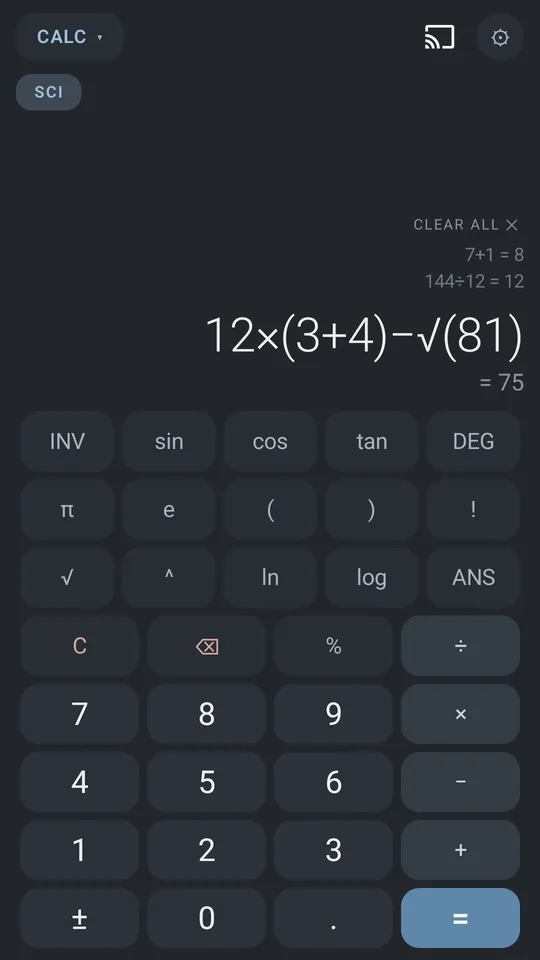
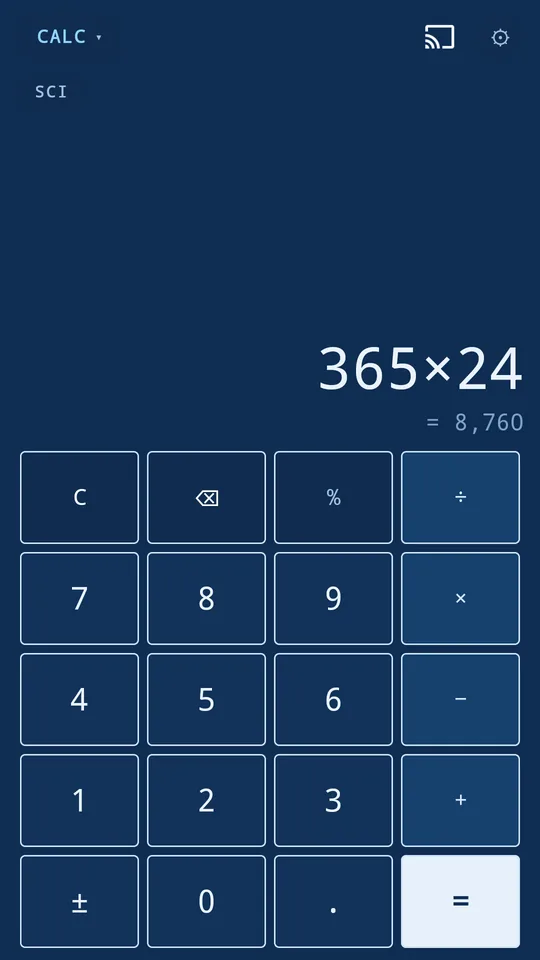
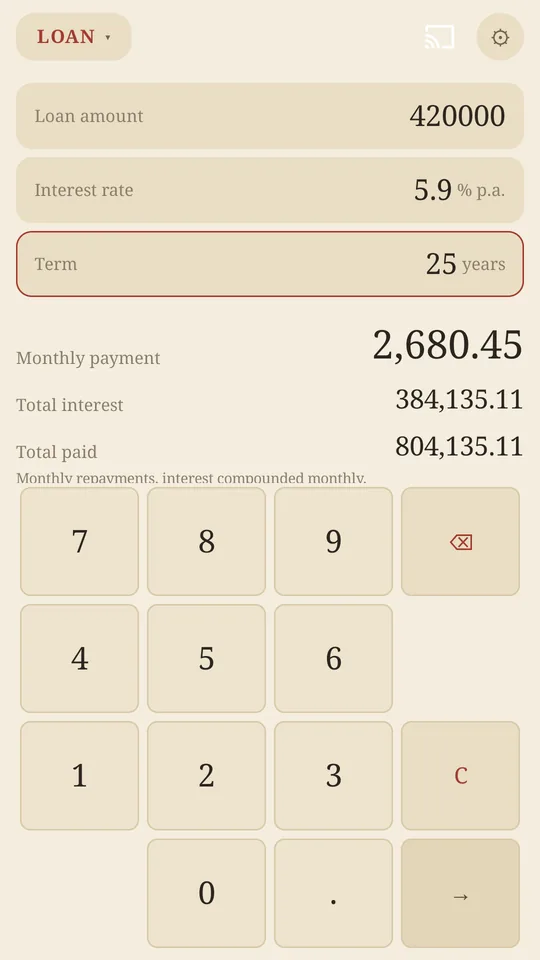
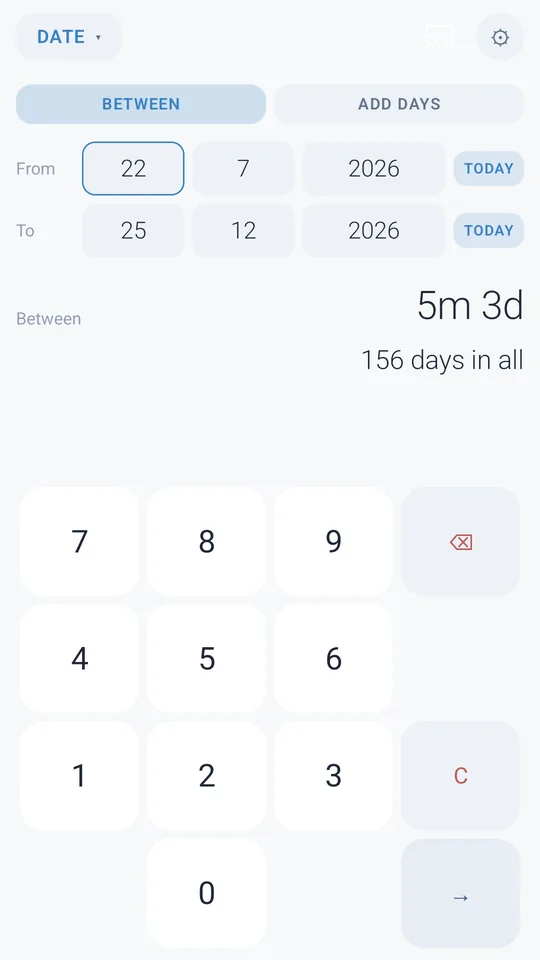
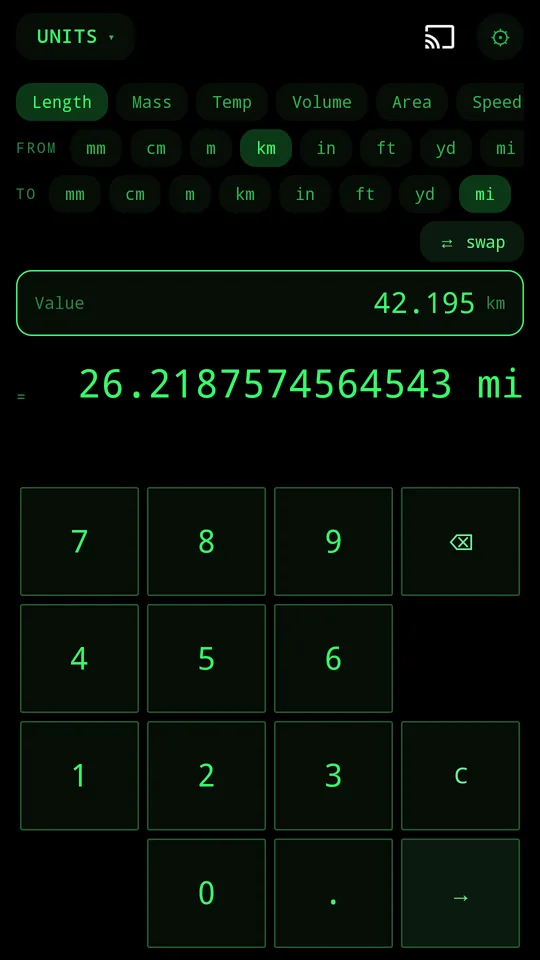
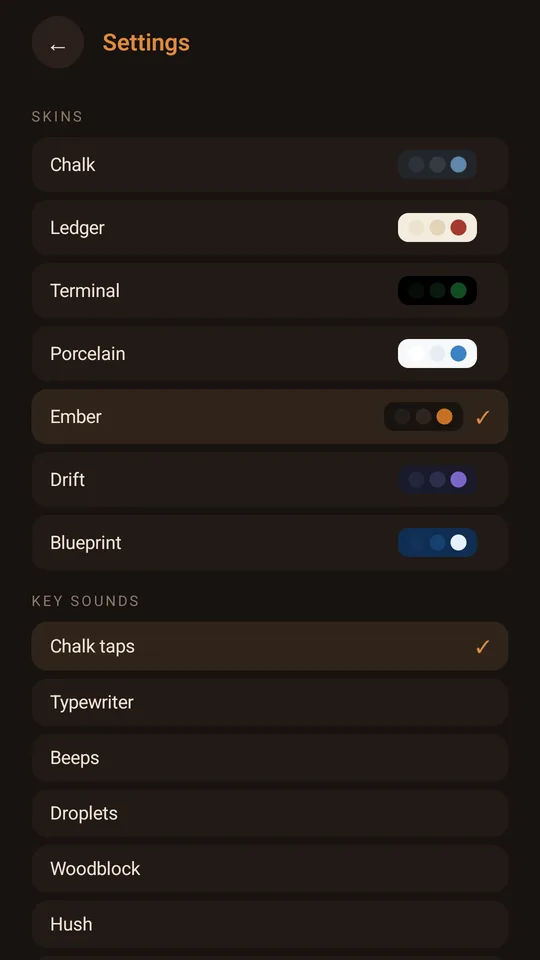
Six screens from the Google Play listing, captured from the app on a phone.
Cast it
Your working, on the big screen
Cast to a TV and Slate mirrors whichever tool is up: same numbers, same skin, while your phone stays the keypad. Walk away and an idle cast tidies itself up after a few minutes.
Cast to your TV from Android or iPhone
Casting needs the internet: your TV loads Slate's display page from our studio site, zone7studios.com, and casting uses Google's Cast framework, which is covered by Google's privacy policy.
Free, and Pro
Complete without paying
Slate
- The full basic and scientific calculator
- Percent and Date
- The tape, and the History
- The Chalk skin and its key sounds
- Casting to your TV
Slate Pro one purchase
- Tip, Units, Loan, GST and Exchange
- The other six skins, and every sound set
- The skins and sounds we add later, too
A single one-time purchase inside the app. Pay once, own it forever, and no subscription, ever.
Not sure yet? Pick a Pro calculator from the menu and it works for real for ten seconds, once a day for each one.
Quiet by design
What Slate will never do
Your sums are yours. Slate keeps your settings and calculation history on your device.
Slate uses the network for Exchange's published reference rates, for the store's billing for the one-time purchase, and for casting to your TV if you use it.
We receive anonymous usage stats. Read the privacy page
Not settings you have to find and switch off. Not in the app at all.
- Ask for an account or a sign-in
- Carry an ad, or an ad SDK
- Charge you weekly, monthly or yearly
- Upload your sums anywhere
- Pop up the system keyboard
- Beg you for a rating
- Interrupt you with an upsell
Get Slate
On Google Play. Calculator, Percent and Date are yours from the first tap, and Slate Pro is one purchase inside the app.
Nothing to sign up for here: no mailing list and no newsletter.